
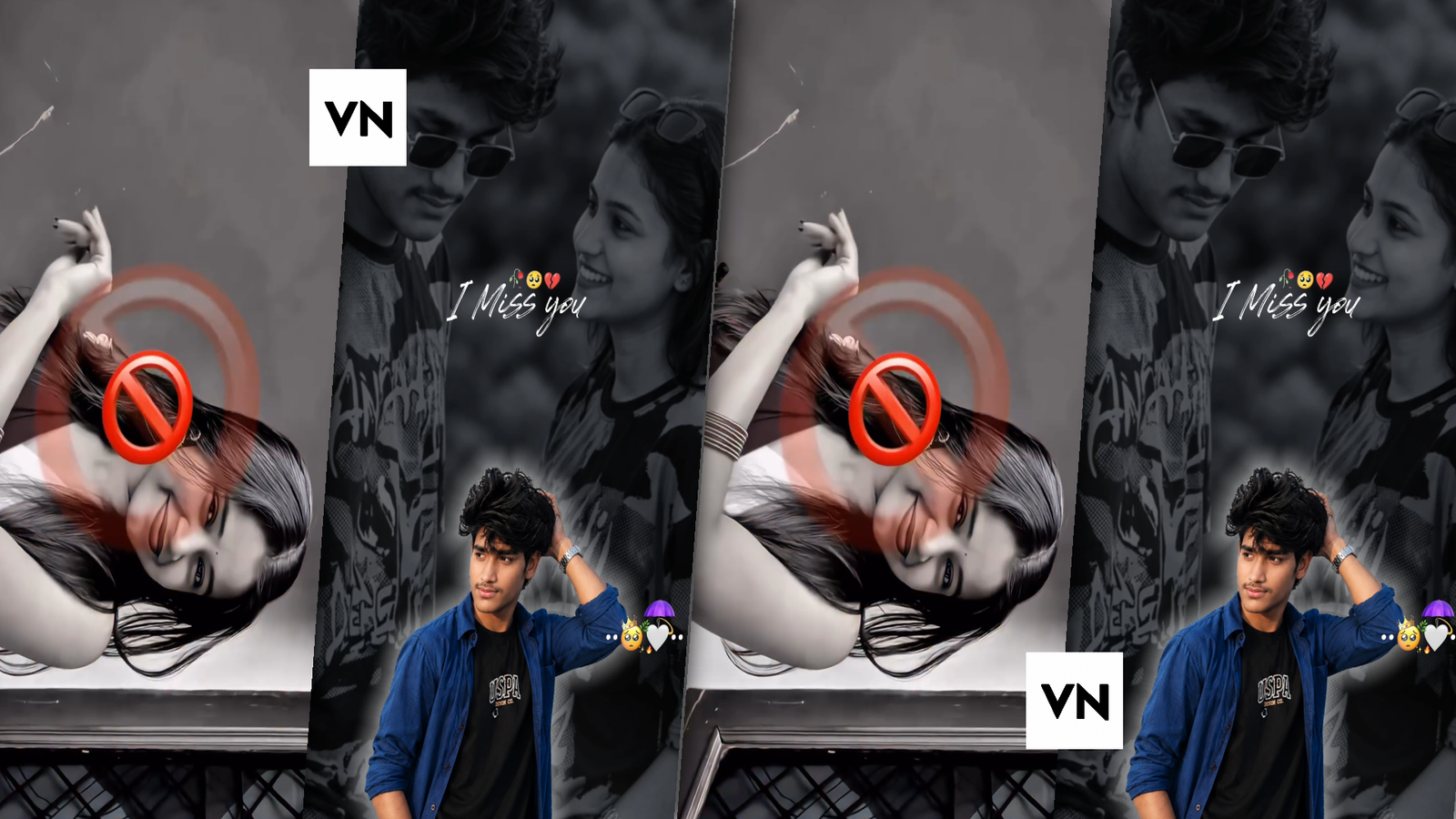
Author Bio: Hello creators! Main MD Maqsood, ek professional video editor, aap sabhi ka is naye tutorial mein swagat karta hoon. Pichle 7 saalo se main is video editing industry ka hissa hoon aur naye trends ko lagataar deeply observe kar raha hoon. Agar aap social media par reels create karte hain, toh aapne mujhe mere YouTube channel “m4editorofficial” (jahan humari 13.6K creators ki family hai) ya Instagram page “m4_editor_official” (145K+ followers) par zaroor notice kiya hoga. Mera hamesha se ek hi goal raha hai—apni audience ke sath real editing knowledge, trending effects, aur practical guidance bilkul free mein share karna. Main chahta hoon ki aap bina kisi expensive course ke apni genuine editing skills ko next level tak le jayein. Aaj hum ek aise topic par detail mein baat karenge jo aapki reels ki reach ko double kar dega.
The Ultimate Guide: Viral Love Story VN Template Code Se Romantic Reels Kaise Banaye?
Aaj ke digital daur mein Instagram aur YouTube Shorts par agar koi content sabse zyada share kiya jata hai, toh wo hai romantic aur aesthetic couple videos. Log apni feelings ko express karne ke liye shayari, lofi music, aur deep quotes wali reels ka bohot zyada use karte hain. Lekin ek beginner ke liye music ki har ek beat ko sun kar uspar perfect slow-motion aur transition lagana bohot time-consuming aur technical kaam hota hai.
Yahi par Viral Love Story VN Template Code aapka sabse bada time-saver ban kar aata hai. In smart QR codes ki madad se aap kisi bhi professional editor ka banaya hua poora cinematic project apne mobile mein import kar sakte hain. Is detailed article mein, main aapko A to Z guide karunga ki kaise aap in templates ka use karke apni normal photos aur videos ko ek cinematic love story mein convert kar sakte hain, wo bhi bina kisi advanced editing skill ke.
Viral Love Story VN Template Code Aakhir Kya Hai Aur Ye Kyun Trending Hai?
Video editing mein ek perfect output nikalne ke liye colour grading, beat syncing, aur transitions ka combination zaruri hota hai. Viral Love Story VN Template Code ek pre-designed project file hoti hai jisme kisi expert editor ne pehle se hi romantic audio ke hisaab se saare effects set kiye hote hain.
Jab aap is QR code ko VN Video Editor app mein scan karte hain, toh aapko timeline par cut ki hui clips, text animations, aur filters pehle se ready milte hain. Aapko sirf template banane wale ki photos ko hata kar wahan apni couple photos ya aesthetic videos lagani hoti hain. Aaj kal Lofi and slowed-reverb music bohot trend kar raha hai, aur isi music par bane VN templates aapki video ko sidha explore page par bhejne ka potential rakhte hain kyunki inka audience retention rate bohot high hota hai.
Top Categories of Love Story VN Templates (Aapke Liye Kaun Sa Best Hai?)
Har love story ka vibe alag hota hai, isliye templates bhi alag-alag styles mein aate hain. Niche maine kuch sabse high-performing categories ko explain kiya hai, taaki aap apne content ke according sahi template choose kar sakein:
1. The Lofi & Aesthetic Lyrics Template
Ye template un logon ke liye best hai jo faceless channels chalate hain ya fir apni sunset, coffee dates, ya nature walks ki videos post karte hain. Isme background music slow hota hai aur screen par romantic lyrics aesthetic fonts mein pop up hote hain.Detailed Explanation: Is tarah ke VN codes mein editor ne text keyframing pehle se ki hoti hai. Aapko manually text ko animate nahi karna padta.Beginner-Friendly Tip: Is template mein hamesha dark ya moody background wali photos use karein, taaki screen par aane wale white lyrics clearly padhe ja sakein. Agar photo bohot bright hogi, toh text chip jayega aur viewer reel ko scroll kar dega.
2. Fast Beat Sync Couple Montage
Agar aap apni bohot saari memories ko ek hi choti si reel mein dikhana chahte hain, toh beat sync montage sabse perfect option hai.Detailed Explanation: Is template mein 10 se 15 seconds ke andar 20 se zyada photos flash hoti hain. Music ki har bass drop par ek nayi photo aati hai. Ise manually banana bohot mushkil hai, isliye VN code yahan magic ki tarah kaam karta hai.Beginner-Friendly Tip: Aise fast templates mein apni sabse clear aur close-up photos select karein. Wide-angle photos jisme aapka face chota dikh raha ho, wo fast transition mein viewers ko samajh nahi aayengi.
3. The Cinematic Slow-Motion Flashback
Ye template thoda sad ya deep romantic vibe deta hai, jahan ek purani memory ko slow-mo mein dikhaya jata hai.Detailed Explanation: Isme speed curve (time remapping) ka advanced feature default set hota hai. Video fast start hoti hai aur achanak se music drop par ekdum smooth slow-motion mein chali jati hai. Beginner-Friendly Tip: Is effect ko perfectly kaam karne ke liye hamesha apni video ko 60 FPS (Frames Per Second) par record karein. Agar aap 30 FPS ki video template mein dalenge, toh slow-mo lagne par video ruk-ruk kar (choppy) chalegi.
Step-by-Step Guide: VN Template Code Ko Scan Aur Edit Kaise Karein?

SCREENSHOT👇
Agar aap pehli baar VN app ka use kar rahe hain aur template apply karna sikhna chahte hain, toh in simple aur practical steps ko follow karein:
- Template Code Find Karna: Sabse pehle Instagram, Pinterest, ya YouTube se ek trending Viral Love Story VN Template Code search karein aur uske QR code ka screenshot le kar apne phone ki gallery mein save kar lein.
- VN App Scanner Open Karna: Apne phone mein VN Video Editor app kholiye. Home screen par hi upar right side mein aapko ek Scan icon (QR symbol) dikhai dega, us par tap karein.
- Screenshot Import Karna: Scanner open hone ke baad, screen ke top right corner par gallery ka icon hoga. Wahan click karein aur apna save kiya hua screenshot select karein.
- Template Download Process: App automatically code ko scan karke ek naya page khol dega jahan “Download” ka option hoga. Template size ke hisaab se downloading mein kuch seconds lagenge. Phir “Use Template” par click karein.
- Media Replace Karna: Ab niche timeline mein empty slots open ho jayenge. Wahan tap karke apni gallery se photos aur videos select karein. Hamesha 9:16 aspect ratio (vertical format) wali media hi chunein taaki aapki reel full screen par cinematic lage.
- High-Quality Export: Sab kuch set hone ke baad preview check karein. Agar video perfect lag rahi hai, toh top right corner se Export button dabayein. Resolution 1080p aur Frame Rate 60 FPS par set karein taaki video upload hone ke baad blur na ho.
Pro Strategies to Make Your Couple Reel Stand Out (Advanced Intent Guide)
SCREENSHOT👇
Ek professional editor hone ke naate main aapko batana chahunga ki maximum log template mein sirf photo daal kar video save kar lete hain. Agar aapko apni reel viral karni hai aur use dusro se alag (unique) dikhana hai, toh aapko thodi si customisation aur intent-based editing karni hogi
- Photos Ki Jagah Micro-Videos Ka Use Karein: Jaha template aapse 5 photos maang raha hai, waha aap 3 photos aur 2 choti-choti video clips (jaise chalte hue, ya haste hue) add karein. Motion hone ki wajah se viewer ka attention zyada der tak video par bana rehta hai.
- Original Text Ko Modify Karein: Template banane wale ne apna Instagram handle ya koi generic quote likha hoga. VN timeline mein us text layer par tap karein aur wahan apni story se related koi relatable shayari ya personal message type karein. Jab log us message se connect karte hain, toh wo reel ko save aur share zaroor karte hain.
- Audio Ko Instagram Se Replace Karein: VN app se video export karne ke baad, jab aap usko Instagram par upload karein, toh video ki original audio ka volume zero kar dein aur Instagram ki music library se wahi same trending song search karke add karein. Isse Instagram algorithm ko lagta hai ki aapne unka platform feature use kiya hai, aur aapki reel organic tarike se boost hoti hai.
Bonus Tip: Colour Grading Se Apni Love Story Reel Ko Cinematic Look De
Video ki jaan uske colors mein hoti hai. Agar aap ek emotional ya romantic reel bana rahe hain, toh aapki bright aur colourful photos us vibe ko match nahi karengi. Ise theek karne ke liye VN app mein ek bohot smart feature hai.
Jab aap template apply kar lein, toh export karne se pehle kisi bhi clip par tap karein aur “Filter” option mein jayein. Wahan se “Adjust” par click karein. Ek romantic cinematic look paane ke liye:
- Exposure ko thoda kam karein (-10 to -15).
- Contrast ko slightly badhayein (+5 to +10).
- Temperature ko thoda warm karein (+10) agar wo happy memory hai, ya cool karein (-10) agar wo sad shayari reel hai.
- Aakhir mein, Vignette effect ko thoda on kar dein taaki corners dark ho jayein aur viewers ka poora focus aapke face par rahe. Ye chota sa colour grading step aapki normal video ko ek Hollywood movie jaisa premium look de dega.
Conclusion
Doston, video editing ek aisi art hai jo aapki imagination ko reality mein badalti hai. Viral Love Story VN Template Code ka use karke aap apne ghanto ka manual editing time bacha sakte hain aur seedha apne content ki quality par focus kar sakte hain. AI aur templates aapko ek foundation dete hain, lekin us video mein jaan daalna aapki khud ki creativity par depend karta hai. Maine apne 7 saal ke experience se aapko best templates choose karne se lekar unhe customise karne tak ki saari deep information is article mein de di hai. Ab waqt hai is knowledge ko practically apply karne ka. Apne phone ki gallery se apni best memories nikaliye, ek trending VN code dhoondhiye aur aaj hi apni ek cinematic masterpiece reel create karein. Nayi cheezein try karte rahiye aur apne skills ko hamesha upgrade karte rahiye. Keep editing, keep growing
!