About the Author
Hey creators, main hoon MD Mahboob—ek professional video editor jise industry mein kaam karte hue 7+ saal se zyada ka waqt ho chuka hai. Main YouTube par m4editorofficial channel (13.6K+ subscribers family) run karta hoon aur Instagram par m4_editor_official (145K+ followers) ke zariye trending visual styles aur post-production breakdown share karta rehta hoon. Mera maqsad hamesha yahi rehta hai ki beginners bina kisi technical jhanjhat ke genuine video editing techniques, practical workflow tips aur high-retention cinematic skills bilkul aasan tareeqe se seekh sakein.
Instagram Viral Birthday VN Template 1026: Cinematic Reels Edit Guide
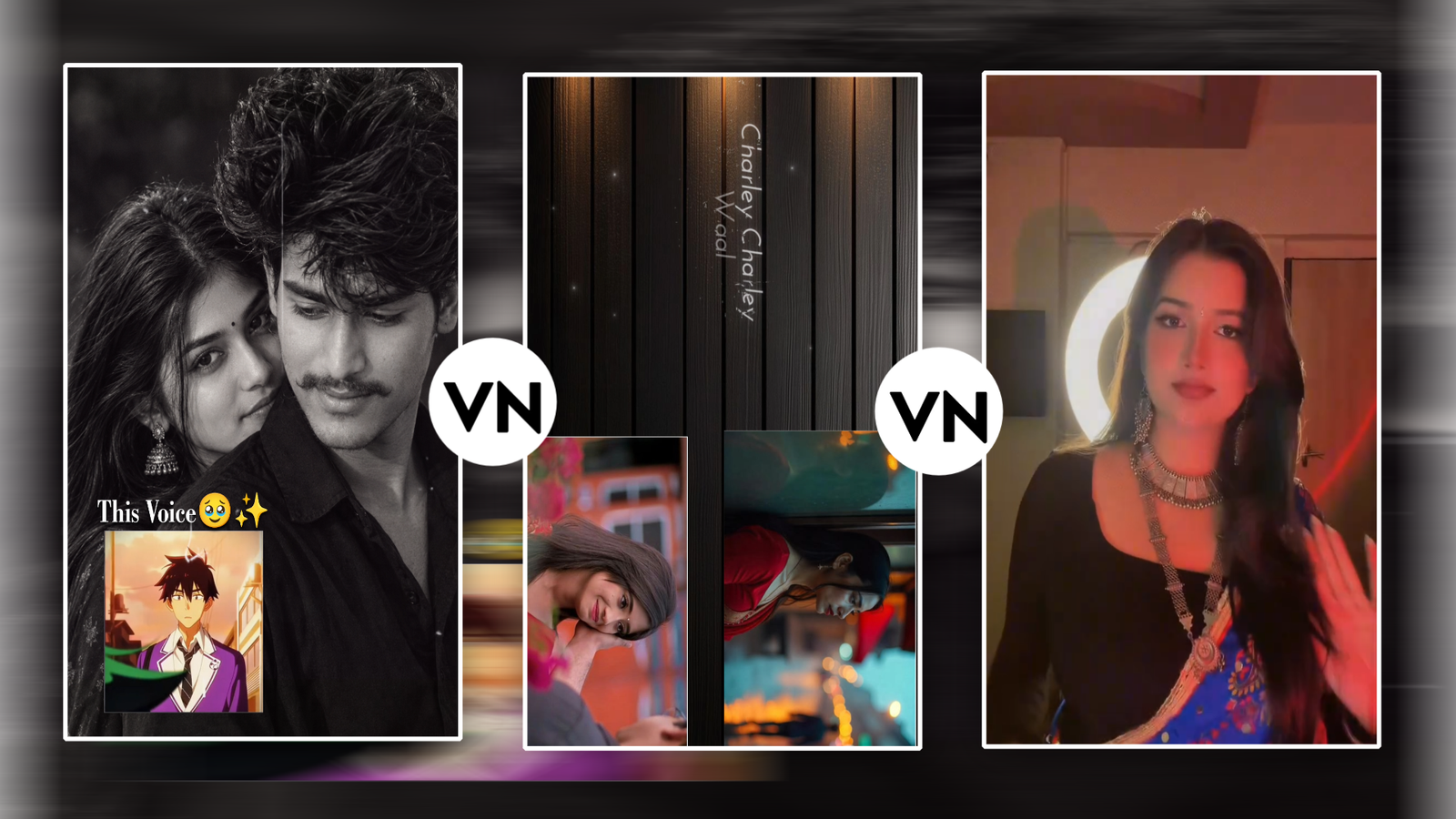
Social media par kisi ko generic birthday quote bhejkar wish karne ka zamana ab purana ho chuka hai. Aaj kal Instagram algorithm visual storytelling aur high-energy short videos ko sabse zyada push karta hai. Agar aap apne kisi dost, family member ya partner ke liye aesthetic birthday reel banana chahte hain jo feed par scroll rok de, toh Instagram Viral Birthday VN Template 1026 is waqt internet ka sabse popular shortcut ban chuka hai.
Lekin kya sirf ek link par click karke photos drop kar dena kaafi hai? Ek experienced editor ke nazariye se dekhein toh template sirf ek framework deta hai—usme jaan aapka personal touch daalta hai. Is detailed guide mein hum samjhenge ki Instagram Viral Birthday VN Template 1026 ka sahi use kaise karein, visuals ko cinematic tone kaise dein, aur reel ko viral reach ke liye kaise optimise karein.
What Makes VN Template 1026 So Special for Birthday Edits?
VN Video Editor (VlogNow) creators ka sabse pasandeeda mobile tool isliye hai kyunki yeh bilkul watermark-free export deta hai aur desktop-level timeline tools offer karta hai. Template 1026 ka design khas taur par celebratory moments ke liye banaya gaya hai.
- Rhythmic Beat Synchronisation: Is template ka animation curve trending audio beats ke sath frame-by-frame synced hota hai.
- Dynamic Motion Transitions: Isme sudden jump cuts ke bajaye smooth zoom-in, flash blurs aur whip pans ka balanced mixture dekhne ko milta hai.
- Colour Tone Compatibility: Yeh preset natural light photos aur golden hour portraits dono ke sath perfectly blend ho jata hai bina skin tones ko distort kiye.
Jab aap manually keyframing karte hain toh 15-second ki beat-synced reel banane mein kam se kam 45 se 60 minute lagte hain. Yeh template wahi professional pacing sirf 2 minute mein provide karta hai.
Step-by-Step Guide: How to Use Instagram Viral Birthday VN Template 1026
Agar aap VN app pehli baar use kar rahe hain, toh tension lene ki bilkul zaroorat nahi hai. Niche diye gaye clean sequence ko step-by-step follow karein:
1. Pre-Production: Media Selection
Template open karne se pehle apne phone ki gallery mein ek naya album banayein aur usme 10 se 15 high-quality media files add karein.
- Hamesha 9:16 vertical ratio wali portrait photos ya videos prefer karein.
- Landscape pictures use karne par images crop ho sakti hain, jisse subject ka focus kharab ho jata hai.
- Candid moments, cake-cutting shots, aur smiling close-ups ka mix rakhein taaki visual variety bani rahe.
2. Loading the Preset into VN App
- Apne device mein VN Video Editor ka updated version open karein.
- Official QR code scan karein ya deep-link URL open karein jo Instagram Viral Birthday VN Template 1026 load karta hai.
- Screen ke bottom-right corner par Download / Use Template button par tap karein.
3. Replacing Clips in Sequence
Jaise hi template load hoga, timeline par slots dikhayi denge
- Pehle slot mein hamesha birthday person ki sabse striking photo ya slow-motion visual select karein.
- Baaki fast-beat slots mein candid expressions aur funny group pictures drop karein.
- VN automatic time-stretch feature use karke aapke footage ko beat duration ke mutabiq trim kar dega.
Pro Editing Secrets to Make Your Birthday Reel Stand Out
Sirf photos replace kar dena beginner approach hoti hai. Reel ko organic reach aur viral aesthetic dene ke liye ye pro-level adjustments zaroor implement karein:
Manual Keyframe Balancing
Template apply karne ke baad timeline ko zoom karein. Check karein ki kisi photo mein face corner mein cut toh nahi ho raha. Crop & Transform tool se subject ko hamesha rule of thirds centre grid par align karein.
Overlay Glow & Light Leaks
Birthday videos par warm ambient light hamesha premium feel detihai.
- VN app ke PIP (Picture-in-Picture) option mein jakar ek soft vintage light leak ya bokeh overlay add karein.
- Blending mode ko Screen ya Soft Light par set karein aur opacity ko 30% se 45% ke beech rakhein.
Typography & Countdown Polish
Agar template ke default text font aapko pasand na aayein, toh unhe customise karein. Clean fonts jaise Bebas Neue, Montserrat Semi-Bold, ya minimal script fonts birthday aesthetic ke sath match karte hain. Text animations ko beat drop ke 0.2 seconds pehle trigger karein for smooth visual anticipation.
Optimising the Audio Layer for Better Reach
SCREENSHOT👇

Ek video ka 50% impact uske sound design par depend karta hai. Kai baar template ke andar embedded audio copyright issue ki wajah se Instagram mute kar deta hai.
- Extract and Mute Default Track: VN timeline par original project sound ko zero ya mute kar dein.
- Export Silent Video: Reel ko pehle bina audio ya low volume ke export karein.
- Use Instagram In-App Trending Audio: Reel upload karte waqt wahi trending audio track seedha Instagram sound library se select karein. Isse reel ka sound page open rehta hai aur Instagram algorithm use zyada suggest karta hai.
- Audio Ducking: Agar aap birthday person ke liye koi heartfelt voice note ya wish record karke beech mein add kar rahe hain, toh background beat ka volume voiceover ke dauran 80% down rakhein.
Ideal Export Settings for Ultra-Crisp Quality
SCREENSHOT👇

Instagram upload karte waqt compression algorithm low-bitrate videos ko pixelated bana deta hai. Crisp export ke liye VN app mein yeh custom settings apply karein
Setting Parameter
Recommended Value
Reason
Resolution
1080p (FHD)
4K uploads Instagram heavily compress karta hai; 1080p sharpest render deta hai
Frame Rate
60 FPS ya 30 FPS
High smoothness ke liye 60 FPS best hai agar footage high-frame par shoot hui ho
Bitrate Mode
Custom / High (12-15 Mbps)
Frame dropping aur motion artifacting ko prevent
karta hai
Export karne ke baad Instagram settings mein jakar Data Usage and Media Quality ke andar Upload at Highest Quality toggle ko hamesha ON rakhein.
Bonus Tip: The “B-Roll Cut” Magic for Emotional Storytelling
Ek dynamic visual hack jo main apne viral projects mein hamesha use karta hoon, wo hai Flashback B-Roll Cut.
Birthday reel ke pehle 2 seconds mein current year ka high-energy shot dikhayein, phir suddenly beat cut par 1 second ke liye birthday person ki bachpan ki ek nostalgic photo flash karein jisme soft monochrome (Black & White) filter laga ho. Uske foran baad high-beat drops ke sath full-color celebration clips mein transition karein. Yeh micro-storytelling viewer ke dimaag mein emotional retention create karti hai, jisse watch time double ho jata hai aur retention rate high hone se reel explore page par push hoti hai.
Content Performance & Organic Engagement Checklist
SCREENSHOT👇

Video edit ho jane ke baad uski reach maximise karne ke liye upload karte waqt niche diye points ka dhyan rakhein:
- Catchy First Frame / Cover: Video timeline se ek aisi frame select karein jisme subject clearly visible aur expressive ho. External aesthetic graphic cover bhi add kar sakte hain.
- Conversational Caption: Generic lines ke bajaye viewer ko tag karne ya comment karne ke liye invite karein (e.g., “Rate this birthday aesthetic from 1 to 10”).
- Targeted Tagging: Maximum 5 se 7 relevant tags use karein jo aesthetic editing, birthday vibes, aur reel trends ko cover karte hon. Extra spam tags post ki quality score ko negatively affect karte hain.
Conclusion
Video editing ek visual art hai, aur Instagram Viral Birthday VN Template 1026 jaise presets aapka ghanto ka technical layout time bacha kar creativity par focus karne ki azaadi dete hain. Templates ko as a base foundation treat karein, aur uske upar apne colour tweaks, custom music timing aur emotional framing add karke use unique banayein. Regularly naye visual styles experiment karte rahein, timeline par practice jaari rakhein aur apni storytelling ko upgrade karte rahein
.